
Free workbook · for a finished resource
Two downloads, no replies? Test the journey first.
Two downloads and no replies, and you cannot tell whether the resource, the page or the delivery let you down. Before you promote again, rule out the journey around the file: a form that promises the wrong thing, a download link that only works while you are logged in, or follow-up emails that reach the wrong people. The free Lead Magnet Launch Check Workbook walks you through seven checks with two test inboxes, then a release-or-hold decision.
What you finish
One tested request-to-download journey
Includes a worked example: one broken link puts a launch on hold, and a retest releases it.
The worked example is hypothetical. No client or result is real.
What is inside
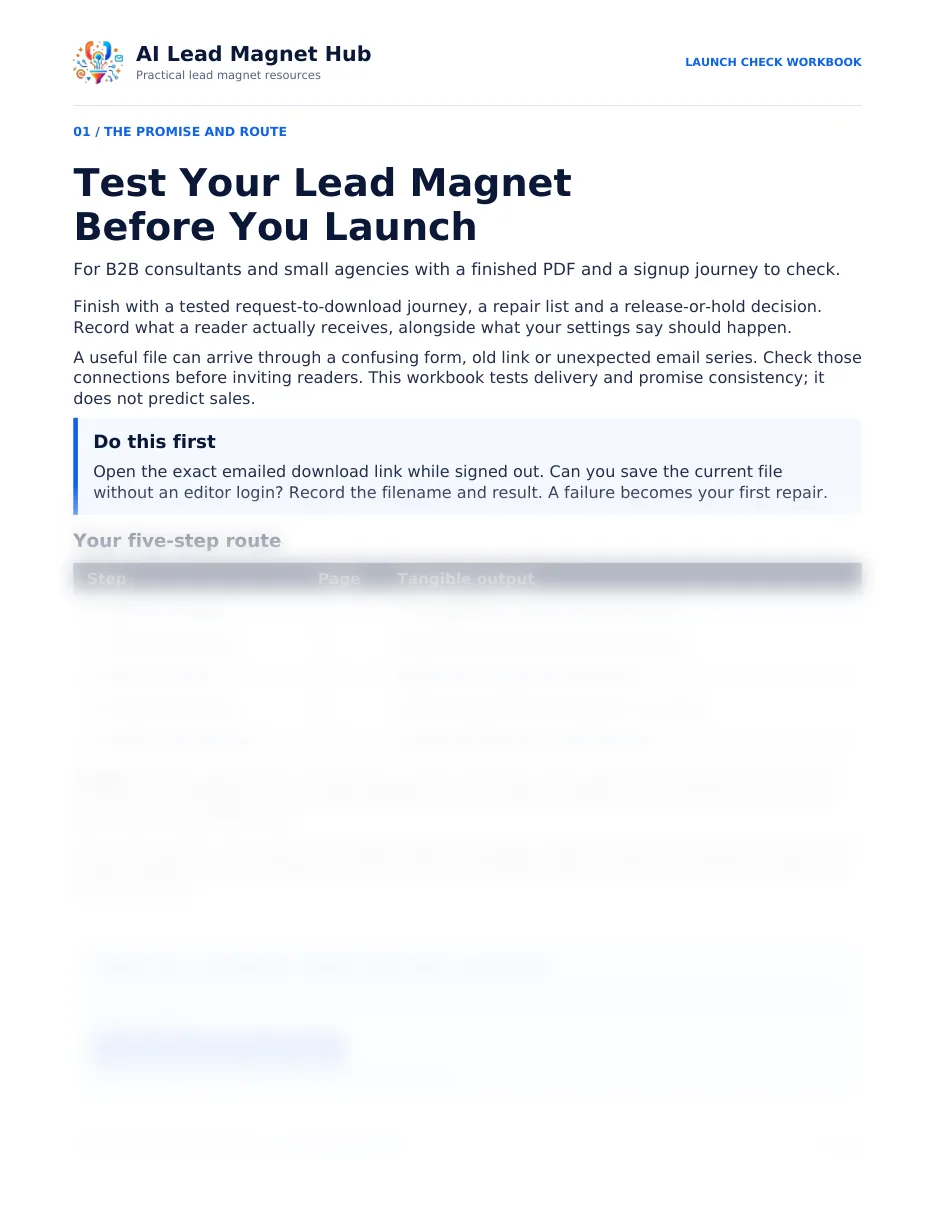
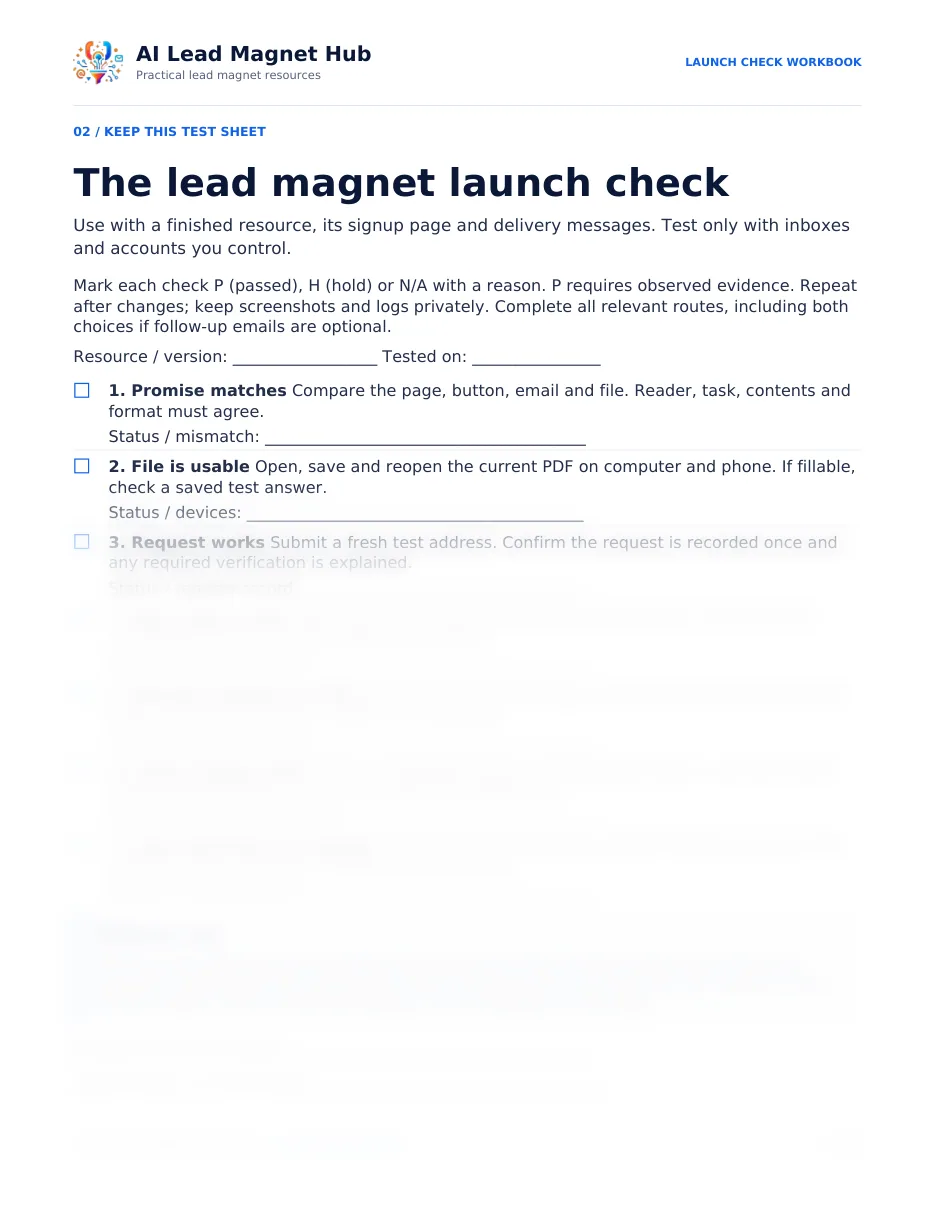
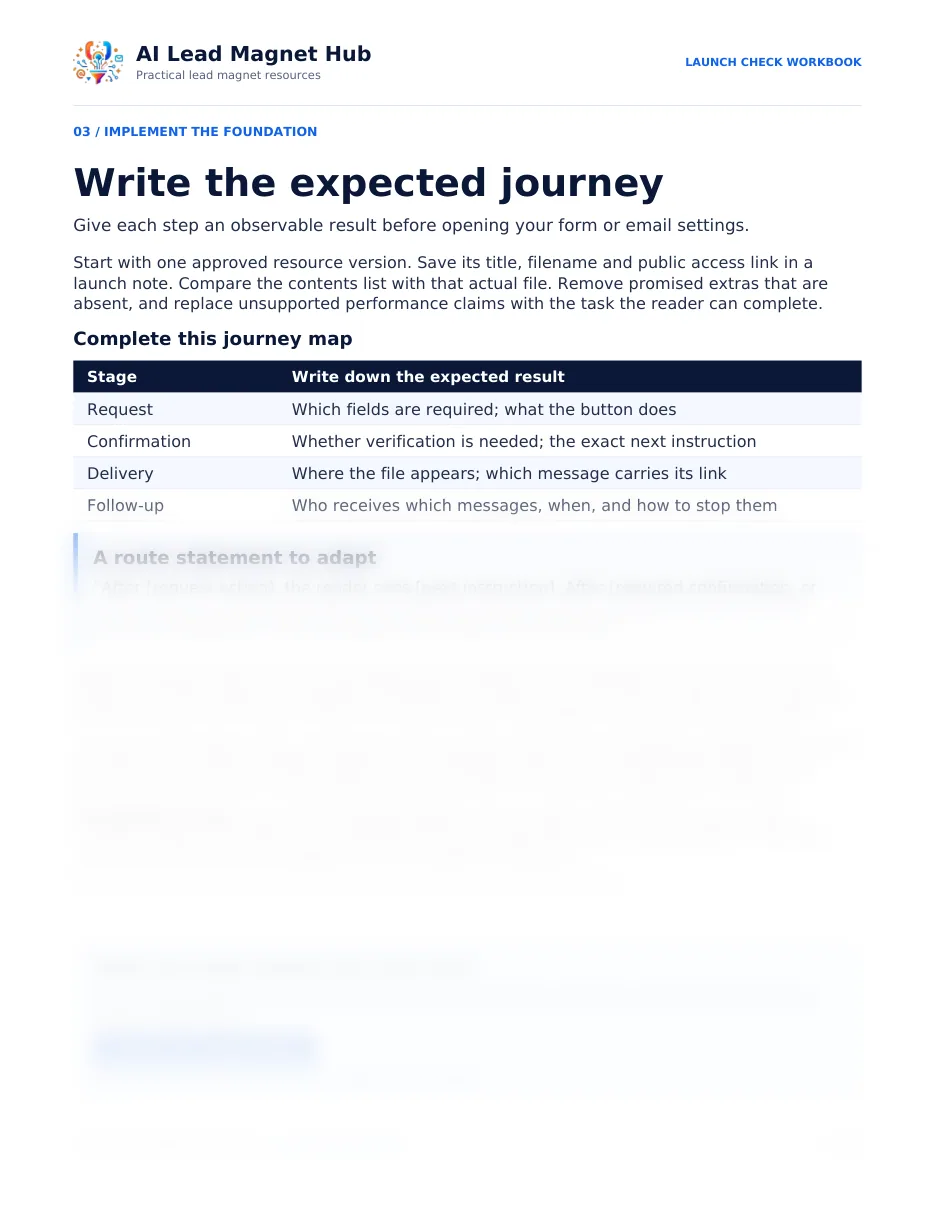
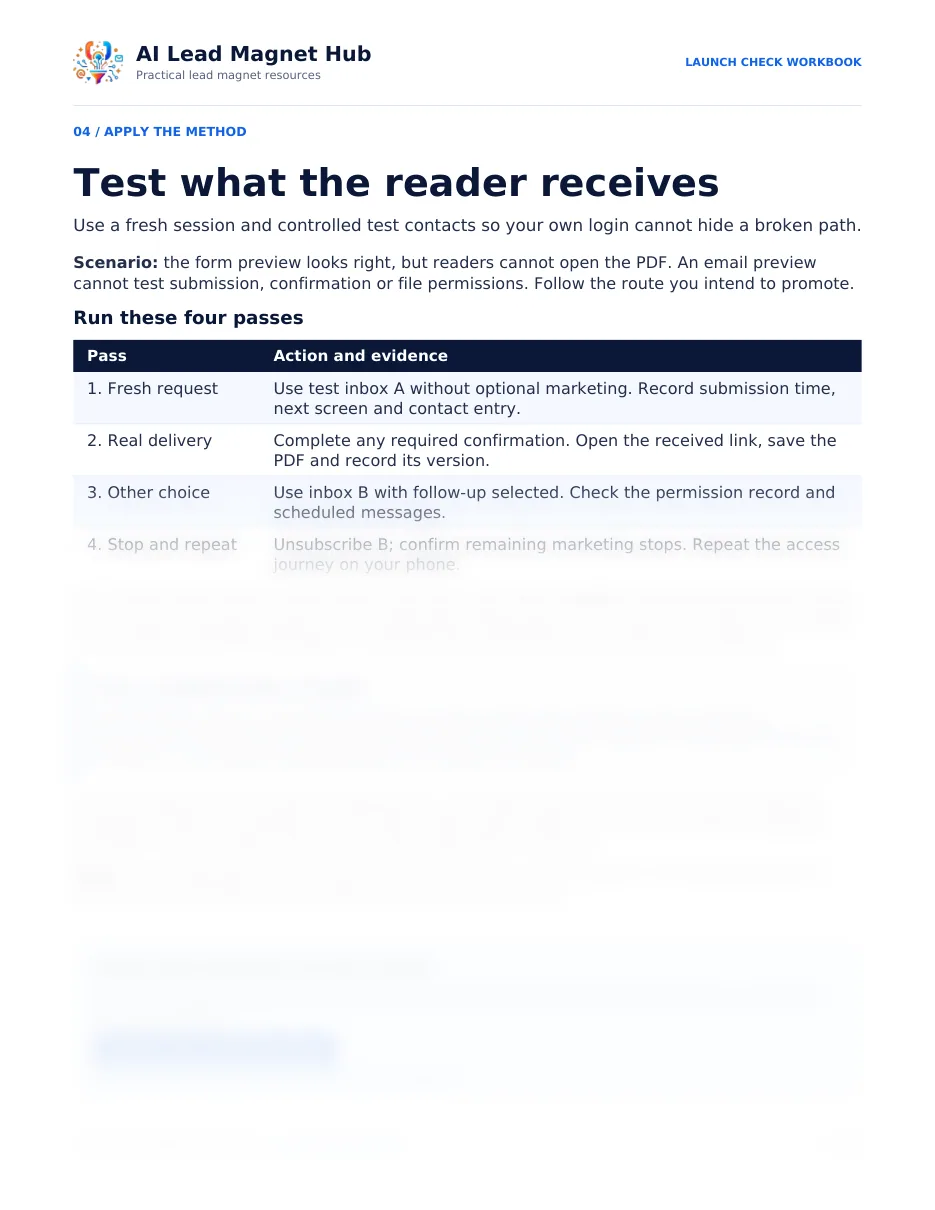
Five steps, one page each, plus a sheet you keep.
The workbook is for B2B consultants and small agencies with a finished PDF and a sign-up journey to check. It tests delivery and promise consistency. It does not predict downloads, sales or inbox placement.
| Workbook page | Step | What you finish |
|---|---|---|
| Page 1 | The promise and route | Your first check, done: the emailed download link opened while signed out |
| Page 2 | Set the checks | A reusable seven-check test sheet with a release rule (also supplied as a separate 1-page sheet) |
| Page 3 | Map the journey | The expected result at request, confirmation, delivery and follow-up, and a route statement to adapt |
| Page 4 | Run the tests | Four passes with two test inboxes, with observed results and evidence |
| Page 5 | Repair the copy | Three templates: a confirmation-first next screen, a delivery email and a repair-and-retest record |
| Page 6 | Retest and decide | A symptom-to-repair table, a worked example and your dated release-or-hold decision |
Two files: the 6-page workbook (PDF, US Letter) and the 1-page test sheet (PDF) to print for each test round. The pages have writing lines for printing; they are not fillable forms. Time: the first check takes a few minutes; a full run is about one working session plus any repairs (our estimate, not tested).
Not another generic checklist.
Most launch checklists are a list of reminders. This one is a test you run on your own page, your own form, your own delivery email and your own file, with two inboxes you control. Every pass needs something you observed, so the result is a record you could show a client: what you expected, what happened, what you fixed and when you retested.
It also protects the thing you worry about most when your name is on the resource: a reader opening last month's draft, a promise the file does not keep, or an email they never agreed to. Those are the failures that make careful work look careless.
Where it fits
- Still creating the resource? Plan it with the Brief Builder first, and check its claims with the Source & Claim Review Checklist.
- Resource, page and emails ready? Run this workbook before you share the link.
- Already live? Run it now, before you promote again.
What you noticed, and where to look first.
A launch check cannot tell you whether readers want the topic. It can rule out the mechanics, so you know which problem is left. Illustrative symptoms, matched to the checks on the sheet.
| What you noticed | Where to look first | Sheet check |
|---|---|---|
| People signed up, then said the file never came | The delivery email: open its link signed out, on a phone and a computer | 5. Delivery reaches the file |
| A reader quoted a page your PDF does not have | The file behind the link: an older version is still attached | 1. Promise matches; 5. Delivery |
| The same person requested it twice | The screen after the button: does it say what happens next? | 3. Request works; 4. Next step is clear |
| Someone was surprised by your follow-up emails | The words beside the button, compared with what was sent | 6. Email choices hold |
| Downloads, but no replies, and every check passes | Not the mechanics. Look at the promise and the topic: plan the next version with the Brief Builder | 1. Promise matches |
An HR consultant rewrote her new-manager checklist after a client call, but her delivery email still linked last month's draft. The page promised a section the file did not have. Check 5, run signed out, would have shown it before anyone else saw the old file.
Start now, before you download anything
The first check takes a few minutes.
Sign out of your email tool and your file storage, or open a private browser window. Then open the exact download link from your own delivery email. Can you save the current file without an editor login? Write down the filename and what happened.
If it fails, that is your first repair. A link that works only while you are logged in tells you nothing about what a reader receives.
The seven checks on the test sheet
- The promise matches across page, button, email and file.
- The file opens, saves and reopens on a computer and a phone.
- A fresh request is recorded once.
- The next screen gives the right instruction.
- The delivery email reaches the current file.
- Email choices hold, including unsubscribe.
- Links and fixes are closed, then retested.
Each check is marked passed, hold or not applicable, and a pass needs observed evidence.
Which free workbook do you need?
Our three planning resources cover different stages. Start with the one that matches where your resource is today.
| Where you are | Start with | What it does |
|---|---|---|
| You have an idea, or several, and no draft yet | Lead Magnet Brief Builder | Plans one resource: reader, outcome, sources, format and a one-page brief, then a draft skeleton and a launch plan |
| You sell a defined service and want a client scorecard | Consultant Diagnostic Launch Kit | Builds a five-check diagnostic with score bands, reader messages and a pilot log |
| The resource is finished and its sign-up page and emails exist | Lead Magnet Launch Check Workbook (this page) | Tests what a reader actually receives, from the request to the file and the follow-ups, before you share it |
Used the Brief Builder? Worksheet M ends with a launch plan; this workbook is the detailed test for its “Test run” step. Built a diagnostic with the kit? Run these checks on its sign-up route before your pilot.
Get the free Launch Check Workbook.
- A tested request-to-download journey for one resource.
- A repair list with one owner per fix.
- A dated decision: release this version, or hold it.
When you press “Send my confirmation email”, we email you a short message. Reply VERIFY to it and we email you a link to the download page with the workbook and the test sheet. Then come four short follow-up emails over two weeks on running the checks (the last one names our own $79 Workflow Pack). Every email has an unsubscribe link. You do not need to buy anything to use the workbook.
Send me the workbook
Questions before you start.
Does it test inbox placement or legal compliance?
No. It is functional testing: what a reader sees and receives on the devices and routes you test. A pass covers that version only. It is not a legal, security or full accessibility audit, and it does not predict inbox placement, demand or conversions. Check the requirements that apply to your business separately.
Can I type into the PDFs?
The pages have writing lines for printing, not form fields. Print the 1-page test sheet for each test round, or copy its seven checks into your own notes.
Do I need special software?
No. You use the form, email tool and file storage you already have, two test inboxes you control, a computer and a phone. If someone else manages your settings, the workbook shows what to ask them for.
Can I use it on a client's resource?
Yes, with test contacts rather than client data. Keep screenshots and logs private, and hide addresses in anything you share.
Read alongside the workbook.
The guides the workbook points to, for the page, the emails and the copy.
What a B2B Lead Magnet Landing Page Should Include
Contents, access wording, form, thank-you and help.
Plan Five Helpful Emails After a Lead Magnet Download
Delivery, quick win, education, demonstration and a relevant offer.
Promotion Copy Template
Resource-page, social and delivery-email templates. Free with your email.
Check the journey, not just the file.
Get the free workbook and test sheet, then run the first check in a few minutes.
Free. The button takes you to the form: we send you a short email, and once you reply VERIFY, so we know the address is yours, we email you the workbook and sheet. Then come four short follow-up emails over two weeks on running the checks, on days 2, 5, 9 and 14 (the last one names our own $79 Workflow Pack). Every email has an unsubscribe link.